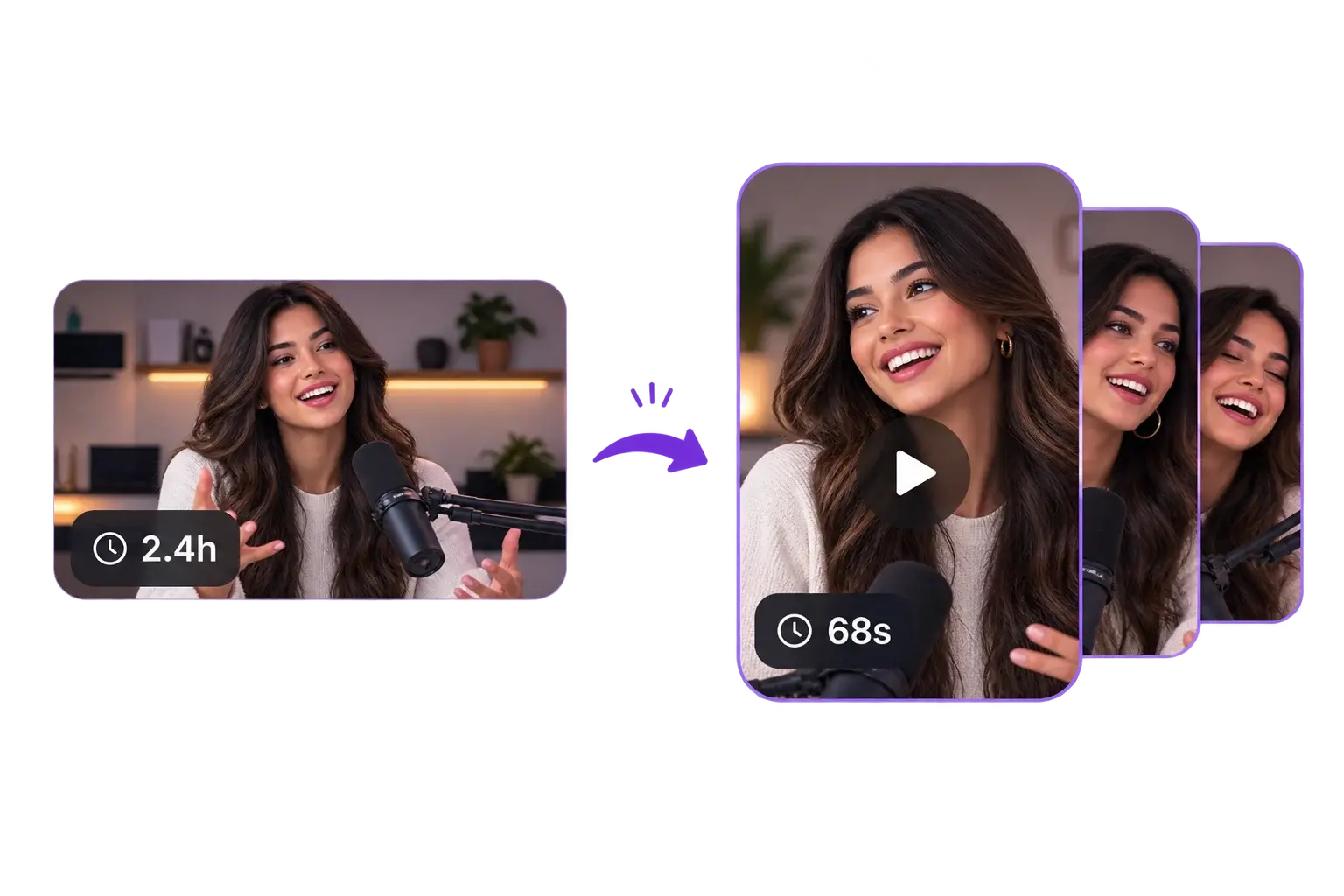
Magic Clips is one of the bigger systems I’ve built for ByteCap. I built the service around a simple idea: do not just ask a model for timestamps. Understand the source first, use the model where it is useful, and let the rest of the pipeline turn those decisions into clean, editable clips.
01
The problem
Magic Clips looks simple from the outside. You give it a long video and it gives you back short clips. The hard part is everything that has to happen in between. A good clip cannot just contain an interesting sentence. It needs enough context to make sense on its own, a strong opening, a payoff, clean cut points, and a layout that still works when a landscape video becomes vertical. I designed and built the pipeline end to end, from analyzing the source and finding candidate moments to scoring them, tracking people, building the vertical layout, generating captions, and getting the result into the editor.
02
Understanding the whole video
I did not want Magic Clips to work by splitting a video into chunks and asking a model which chunk looked best. The source is analyzed first. I extract one audio track and reuse it for transcription and audio analysis instead of decoding the same video over and over. Transcription and FFmpeg feature extraction run in parallel, giving the system speech, scene cuts, silence regions, audio peaks, pacing, and other timing information. The type of video matters too. A podcast is mostly driven by dialogue. A sports clip or a video with very little speech needs more visual context. The pipeline can change how it analyzes the source based on signals such as speech density and silence instead of treating every video the same way.
03
Finding the best moments
Once the source has been analyzed, the clipping model looks across the timeline and proposes actual moments instead of fixed chunks. For every candidate I ask for more than a start and end time. The result includes why the moment was selected, a short hook title, where the hook happens, where the payoff happens, and scores for things like hook strength, payoff, curiosity, and whether the clip makes sense on its own. Users can also tell Magic Clips what they are looking for. That could be the funniest parts, teaching moments, hot takes, reactions, plot twists, or a specific event. This made the system a lot more useful than having one generic definition of a good clip.
04
Scoring and choosing what actually surfaces
Finding possible clips is only the first pass. I built a second scoring layer to decide which ones should actually make it back to the user. The model's editorial scores are combined with deterministic signals from the source such as pacing, dialogue, scene activity, silence, and audio energy. That produces a 0 to 100 clip score and a grade that I use to rank the candidates. I also remove candidates that overlap too heavily. When two clips cover mostly the same moment, the higher scoring one wins. This sounds like a small detail, but it matters when you are taking a two hour source and trying to return a handful of clips that each feel worth keeping.
05
Cleaning up the cut points
The timestamps selected by the model are not treated as final. Before a clip is cut, I compare the suggested start and end against nearby scene changes, silence breaks, and speech timing. The boundaries can move slightly when there is a cleaner place to cut. That helps avoid the stuff that makes automated clipping feel rough, like starting halfway through a sentence, ending just before a reaction, or cutting in the middle of a shot. I still keep the model's editorial choice, but deterministic video signals handle the final cut.
06
Computer vision and bringing it in house
I originally used Google Video Intelligence for the computer vision side of the pipeline. It gave me face, person, shot, object, and other visual detection data that I could turn into timestamped sidecars for the editor. It worked well, but the cost started to matter as usage grew. I ended up building a self hosted detector for the workloads ByteCap needed most. The production system can use Google's detection when it makes sense and fall back to the local detector. I also track the managed usage so the pipeline can stay inside a set budget before moving work locally. That gave me much more control over cost, concurrency, inference, and the exact data I wanted to save. The output is stored as reusable detection data instead of being tied to one render, so the editor and other video features can use it again.
07
Turning landscape video into vertical
Finding the right moment is only half the job. Most long form source video is 16:9, while the clips are usually meant for a 9:16 feed. I use the face and person detections to build the composition over time. If there are two people in a podcast, Magic Clips can keep both visible in a stacked vertical layout. If one person is moving around the frame, the crop can follow them. If a scene is too busy to crop aggressively, the layout can preserve more of the original frame instead. The important part is that this is not one crop calculated from the first frame. Tracking data continues through the clip, so the layout can react when people move or the shot changes.
08
Making the pipeline reliable in production
Video processing gets expensive quickly, so I kept the heavy work out of the normal request cycle. Magic Clips runs as a durable processing job with its current stage, progress, heartbeat, worker ownership, and errors stored in the database. The frontend can follow the job without holding an HTTP request open while a long video is being analyzed. I put limits around the CPU heavy parts of the pipeline as well. FFmpeg work, local detection, clip processing, and exports use controlled concurrency so one large job cannot take over the worker. Cancellation also goes all the way down to the actual work. If a job is cancelled, times out, or loses its worker lease, the AbortSignal reaches the FFmpeg and FFprobe processes. If a process does not exit cleanly, it is force killed. That was important because cancelling a JavaScript promise is not enough when the expensive work is still running underneath it.
09
Reusing work instead of doing it twice
A lot of the production improvements came from looking for work I could avoid repeating. The source video is downloaded once and reused across the stages. One compact audio track is shared between transcription and the FFmpeg audio passes. The full source transcript is reused when captions are generated for each clip instead of transcribing every clip again. Computer vision results are saved as sidecar data in object storage, and the generated project keeps the timing, tracking, caption, scoring, and layout information the editor needs. Keeping those pieces separate means analysis does not have to be repeated every time someone edits or renders the clip.
010
From a long video to an editable project
After the candidates are ranked and cleaned up, the selected ranges are cut and processed as individual clips. Each clip can move through tracking, captions, translation, hook generation, and export depending on what the user enabled. The stages can overlap internally, so one clip can be further along while another is still being processed, but I keep the progress shown to the user moving in one direction so the UI does not jump backwards between stages. The final result is not just a rendered MP4. Magic Clips creates an editable project with the source range, captions, tracking information, layout data, score, and the rest of the metadata needed by ByteCap's editor. The creator can open it and keep working from there.
011
What I learned building it
The biggest thing I learned is that AI clipping is not really one AI problem. The model is useful for understanding context and making editorial choices, but most of the product comes from the systems around it. Transcription, FFmpeg analysis, scoring, computer vision, tracking, storage, job state, concurrency, cancellation, captions, rendering, and the editor all have to agree with each other. The quality improved when I stopped treating the model output as the final answer. The model can suggest the moment, but the rest of the pipeline can validate it, score it, clean up the timing, decide how it should be framed, and turn it into something a creator can actually use. That setup also makes Magic Clips easier to keep improving. I can change the scoring, detection, framing, prompts, or boundary logic without rebuilding the entire system.